Huawei Gigabit Optical Module Transmission Monitoring
Huawei Gigabit optical modules support Digital Diagnostic Monitoring (DDM), allowing real-time monitoring of optical parameters such as transmit/receive power, temperature, and voltage for reliable network management.
Overview of Huawei Gigabit Optical Modules
Huawei offers a range of Gigabit Ethernet optical transceivers, such as the SFP-GE-LX-SM1310 and eSFP GE Single-Mode Module, designed for long-distance single-mode fiber (SMF) connectivity up to 10 km at 1310 nm wavelength . These modules are hot-swappable, compact, and compatible with Huawei switches, routers, and aggregation devices, making them suitable for enterprise networks, data centers, and campus backbones . A key feature of these modules is Digital Diagnostic Monitoring (DDM), which provides real-time monitoring of critical optical parameters, including:
- Transmit power (Tx)
- Receive power (Rx)
- Module temperature
- Supply voltage
- Laser bias current This capability allows network administrators to detect potential faults early, maintain signal integrity, and optimize network performance .
Monitoring Commands on Huawei Switches
To monitor the transmission status of Huawei optical modules, the following commands are commonly used:
- View all optical modules on the switch:
display transceiver
This command lists all optical ports and their module information, including type, connector, wavelength, transfer distance, and DDM support . 2. View a specific optical port:
display transceiver interface interface-type interface-number
This command provides detailed information for a specific port, including vendor, serial number, manufacturing date, and real-time DDM parameters . 3. Verbose monitoring for receive and transmit power:
display transceiver interface interface-type interface-number verbose
This command shows detailed Tx/Rx power levels, which are essential for troubleshooting optical link issues and ensuring signal quality .
Benefits of Transmission Monitoring
- Early fault detection: DDM allows proactive identification of optical power degradation or temperature anomalies.
- Improved network reliability: Continuous monitoring ensures stable Gigabit transmission over long distances.
- Simplified maintenance: Hot-swappable modules combined with DDM reduce downtime and facilitate quick replacements.
- Enhanced performance management: Administrators can optimize link performance and prevent service interruptions in enterprise and data center networks .
Best Practices
- Regularly check Tx/Rx power levels to ensure they are within the recommended range for the module.
- Monitor temperature and voltage to prevent module overheating or electrical issues.
- Use verbose DDM commands for detailed diagnostics during network troubleshooting.
- Ensure modules are compatible with the switch model and firmware to maintain accurate monitoring and reporting . By leveraging Huawei's DDM-enabled Gigabit optical modules and monitoring commands, network administrators can maintain high-performance, reliable optical links while minimizing downtime and operational costs.
 Industry
 Huawei Optical Switch View Optical Module Commands
View the general, manufacturing, alarm, and diagnostic information of the specified port
 Industry
 Checking the Receive and Transmit Optical Power
Check whether the distance between the two devices exceeds the maximum transmission distance of the remote optical module. If
 Industry
 Checking the Optical Module
Ensure that the rate, wavelength, and transmission distance of the interconnected optical modules are consistent. Using the same
 Industry
 Checking Whether the Optical Module Works Properly
If the receive power is too high or low: Replace the (local or remote) optical module or fiber. Check whether the transmission distance
 Industry
 Introduction of Optical Modules on Huawei Switches
Check Optical Module Parameters: If an optical module is installed in a running switch, you can run the display transceiver command
 Industry
 How to View Optical Module Parameters
Using a Command If an optical module is installed in a running router, you can run the display transceiver command to view
 Industry
 Checking Parameter Settings of the Optical Modules
Check the parameter settings such as rate, wavelength, and transmission distance of the interconnected optical modules. Using the
 Industry
 Huawei PON SFP Modules | GPON XG-PON XGS-PON & 50G-PON
These modules support transmission distances up to 60 km, provide excellent optical budgets, and are optimized for
 Industry
 Checking the Working Modes
Procedure Run the display transceiver interface interface-type interface-number verbose command to view the optical
 Industry
 Optical Module
Optical Module Names This topic describes the names of optical modules used by WDM products.
 Industry
 Optical Transmission
Real-time monitoring and intelligent diagnostics on the network at every level every time, covers service,
 Industry
 How To Read Optical Module Information On Huawei Switches
The following uses the Moduletek SFP-10G-LR module connected to a Huawei S6700 switch as an example to
 Industry
 Optical Modules for Huawei S Series Switches
A switch must use optical or copper modules that have been certified for use on Huawei switches. Non-certified optical or copper
 Industry
 How Do I Check the Transmit and Receive Optical Power of an Optical
This page provides a guide on checking the transmit and receive optical power of an optical module for Huawei devices.
 Industry
 Huawei Switches Viewing Optical Port Receiving and Sending
Use the command display transceiver to view the optical module information of all optical ports, and use the command
 Industry
 Optical Modules in General-Purpose Computing Scenarios
Huawei offers a comprehensive portfolio of pluggable StarryLink optical modules for data center networks, with various models
 Industry
 01-10 OPTICAL MODULES
If an optical module is installed in a running device, you can run the display transceiver command to view parameters of the optical
 Industry
 Typical Troubleshooting Cases of Optical Module
An Optical Module Has Normal Transmit Power but Many Packets Are Dropped on the Port Due to Bit Errors Use an optical power
 Industry
 Types of Optical Modules
Optical modules are available in various types to meet diversified requirements. Classified by transmission rates Depending on
 Industry
 How Do I Ensure that the Transmit and Receive Optical Power of an
You are advised to replace the optical module. To ensure normal communication between two optical interfaces, check for transmit
 Industry
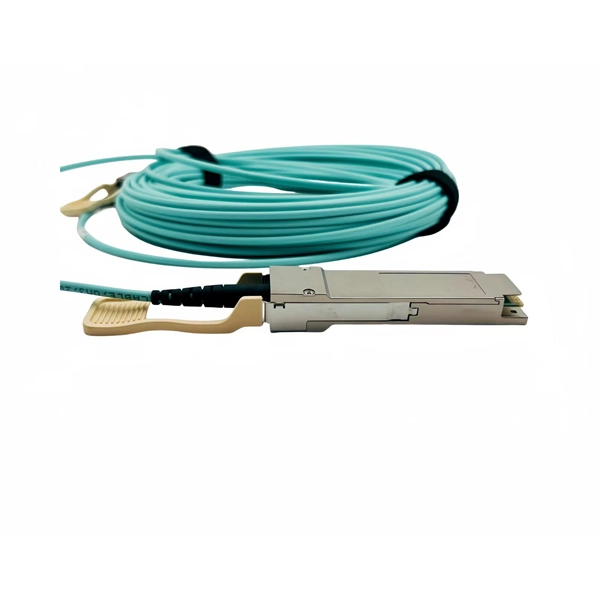
 Huawei Optical Transceiver eSFP GE Single‑Mode
The Huawei eSFP GE Single‑Mode Module 1310 nm 10 km LC delivers reliable 1 Gbps fiber connectivity
 Industry
 Displaying Optical Module Information
When certifying an optical module, Huawei comprehensively verifies the functions of the optical module to ensure the optical module
 Industry
 Optical Interface Interconnection Is Abnormal on CE Switches
Depending on the transmit optical power and overload optical power, optical modules are classified into short
 Industry
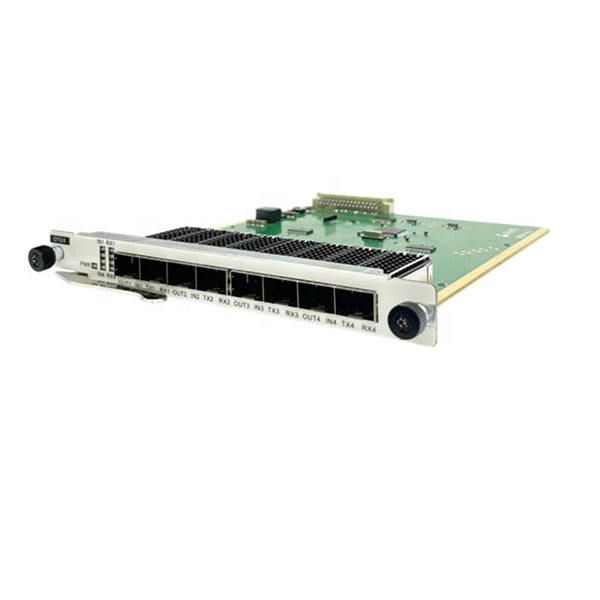
 Classification and Specifications of HUAWEI Transceivers
An eSFP module is an SFP module that supports monitoring of voltage, temperature, bias current, transmit
 Industry
 Displaying Optical Module Information
Run the display transceiver diagnosis interface [ interface-type interface-number ] command to view diagnostic information about a
 Industry
 Displaying Optical Module Information
A switch must use optical or copper modules that have been certified for use on Huawei S switches. Non-certified optical or copper
 Industry
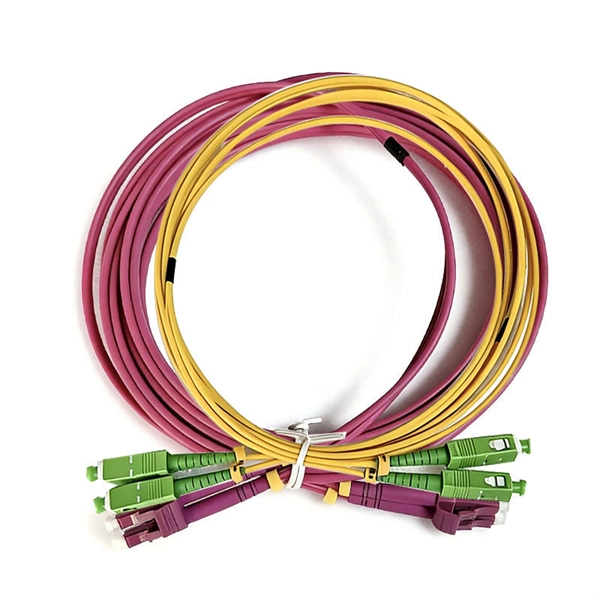
 Installing Optical Transceivers and Connecting Optical Fibers
Before connecting optical fiber cables, read the following precautions: Do not overbend optical fibers, and the radius should not be