Why are the WAN port and fiber optic connector on my wireless router different
The WAN port and fiber optic connector serve different purposes: the WAN port connects your router to a modem or ONT via Ethernet, while the fiber optic connector interfaces directly with optical fiber using specialized modules.
Functional Differences
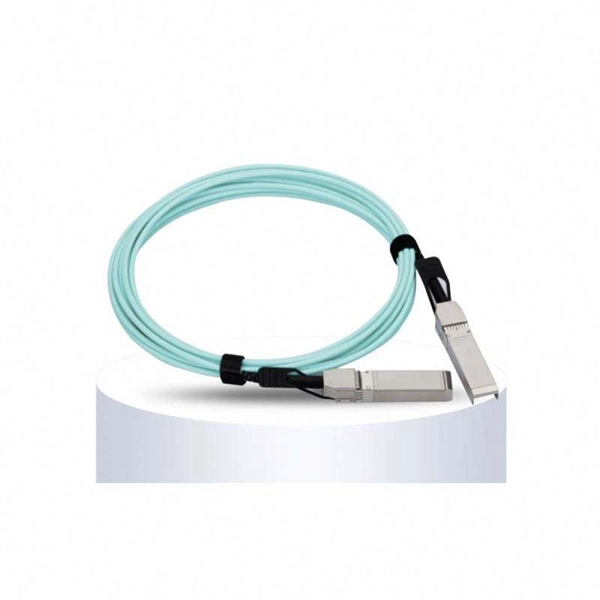
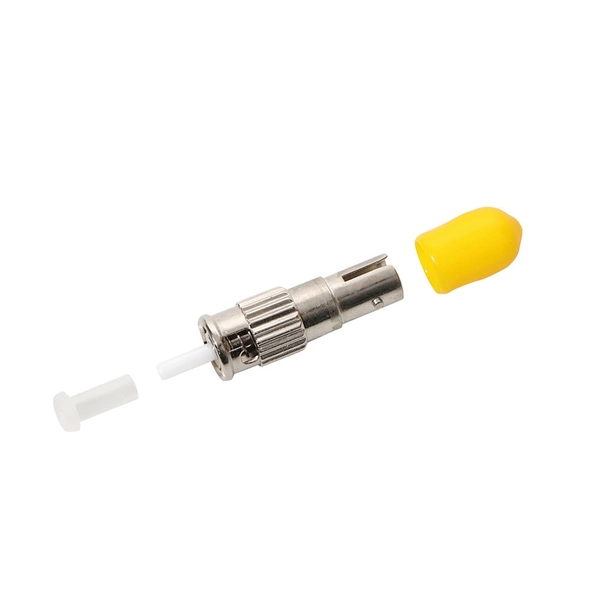
The WAN (Wide Area Network) port on your router is designed to connect to your internet source, typically through an Ethernet cable. It allows your router to communicate with your ISP's network and distribute internet access to your local devices via LAN ports or Wi-Fi . The WAN port is electrically based and uses standard RJ45 connectors, making it compatible with Ethernet-based connections from modems or ONTs . The fiber optic connector, on the other hand, is used to directly interface with optical fiber networks. Routers with SFP or SFP+ ports can accept optical modules that convert light signals from the fiber into electrical signals the router can process . This type of connection is necessary for high-speed fiber internet, often exceeding 1 Gbps, and is not compatible with standard Ethernet cables .
Why They Are Not Interchangeable
Fiber and Ethernet operate on different physical principles. Fiber uses light to transmit data, while Ethernet uses electrical signals over copper wires. Connecting a fiber cable directly to a WAN port without the proper optical module or ONT will not work because the router cannot interpret the optical signal . Similarly, plugging an Ethernet cable into a fiber port without the correct module will fail.
Role of ONTs and SFP Modules
For most GPON or FTTP fiber connections, an ONT (Optical Network Terminal) is required. The ONT converts the fiber signal into Ethernet, which can then be connected to the router's WAN port . Some advanced routers with SFP+ ports can replace the ONT if the ISP provides a compatible SFP+ ONU stick, allowing the router to directly handle the fiber connection . However, compatibility with the ISP's network must be verified to ensure proper authentication and connectivity.
Summary
- WAN port: Ethernet-based, connects to ONT or modem, handles electrical signals, standard RJ45 connector .
- Fiber optic connector: Optical-based, requires SFP/SFP+ modules, handles light signals, used for direct fiber connections .
- Interchangeability: Not possible without proper conversion because fiber and Ethernet use different transmission methods .
- Practical setup: Most users connect the fiber to an ONT, then use an Ethernet cable from the ONT to the router's WAN port . Understanding these differences ensures you use the correct port for your internet connection and avoid connectivity issues.
 Industry
 What is the blue wan port used for in a router? Is it faster
The WAN port in a router is almost always exclusively connected to a modem via ethernet cable. It allows packets of information to
 Industry
 Difference between ''broadband'' port and ''wan'' port?
Just had fibre installed. The installer set up the router (BT Homehub 2) with the modem connected to the ''Wan'' port
 Industry
 networking
I''m trying to link two wireless routers with an Ethernet cable in order to expand my wireless network. Both routers need to provide
 Industry
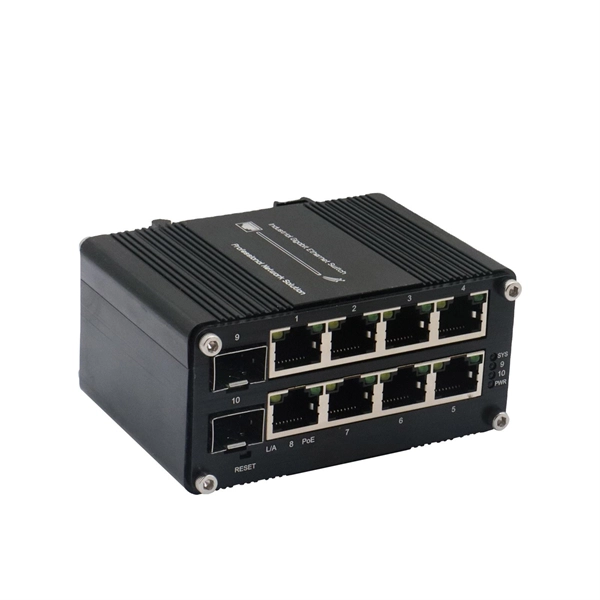
 Common Application Scenarios of SFP+ Interface
First, using as a WAN port, with a high-speed SFP+ ONU Stick, it directly replaces the optical modem and connects to
 Industry
 Explained: What is a WAN Port and How It Works
A WAN Port, or Wide Area Network Port, connects your router to the internet. It''s like a bridge between your local
 Industry
 Can We Use a Normal Router for a Fiber Optic Cable?
This guide walks through exactly how fiber connects to your home network, whether your existing router can be part of
 Industry
 The Role of WAN and LAN Ports in Routers with
When setting up a 5G CPE router or WiFi 6 router, users often focus on wireless performance, chipset, and
 Industry
 Can I Use My Own Router for Fiber Internet? | Mercury Fiber
Key Takeaways: Yes, you can use your own router with fiber internet, as long as it has a Gigabit Ethernet WAN port
 Industry
 WAN Port on Router Explained – What is it and How to
The WAN port looks exactly the same as the LAN ports on your router, but there is a big
 Industry
 Understanding Fiber Internet Setup
Many ISPs issue "fiber modems" which are combined ONTs+routers, but the ONT doesn''t need to be a router – its
 Industry
 Common Applications of SFP+ Interface
The SFP+ port is a high-speed optical-to-optical signal conversion port, mainly used for 10G Ethernet and Fiber
 Industry
 WAN port definition – Glossary | NordVPN
A WAN port is the internet port on your router that connects to your modem or fiber box to reach your ISP.
 Industry
 Do You Need a Modem for Fiber Internet? | BroadbandSearch
Unsure if you need a modem for fiber internet? Here''s everything you need to know to ensure you get the right
 Industry
 What Is The WAN Port On Router?
Sometimes, the fiber cable will connect to a device called an ONT (Optical Network Terminal) which converts the fiber
 Industry
 What Does WAN Mean On A Router? A Practical Guide to the Router
To answer succinctly for those asking what does WAN mean on a router, it is the outward-facing connection that ties
 Industry
 Ultimate Guide to Router Ports: LAN, WAN, USB, and Console
A router is more than just a box with blinking lights—it contains multiple ports, each tailored for specific roles, such as
 Industry
 WAN Vs LAN Port (Differences & When To Use Each One)
You have a wireless router and a curious mind as you want to know the differences between the LAN and WAN ports
 Industry
 Network Basics: What Is WAN Port & How Does it Differ from LAN?
WAN ports have less range than LAN ports, but since they''re not physically connected, a computer can be on one side
 Industry
 What Is the WAN Port for on a Router? – NetWork From Home
What would happen if your mobile device wasn''t connected to the same WAN as the web servers that host your favorite sites? Quite
 Industry
 what is a wan port on a router? (unleashing internet
Discover what a WAN port on a router is and how it can unleash your internet potential for
 Industry
 RJ45 Ports on WiFi Routers: Everything You Need to Know
By understanding their roles—especially the distinction between WAN and LAN ports—you can make smarter router
 Industry
 What are the technical differences between WAN and LAN ports in a
The technical difference is that packets between two LAN ports can and usually will bypass the actual router. In the
 Industry
 Understanding Router Ports: A Complete Guide
Unlock the world of networking with our complete guide to router ports. Understand LAN vs.
 Industry
 LAN Port vs WAN Port: What''s the Difference? How to
LAN Port vs. WAN Port: When you first look at the latest network router these days where
 Industry
 Modem vs. Router: Here''s the Difference (And Why It
When you connect to Wi-Fi, you''re really connecting to your router, which forwards traffic
 Industry
 11 Differences Between WAN VS LAN Port
How Does WANs Work? Connection Method WANs use different types of physical connections, such as DSL, cable,
 Industry
 Difference between ''broadband'' port and ''wan'' port?
If it is “fibre”, (i.e. FTTC), coming through the master (phone) socket, it must connect to the DSL/Broadband port with
 Industry
 Difference between LAN and WAN Port
A WAN port is wired to an external network, therefore it receives information from the external network. The information gets filtered
 Industry
 Is the Optical Network Terminal (ONT) port on a modem just a WAN
If you are looking for a better wifi option, you can turn off wireless broadcasting on the gateway and connect your own