Fiber optic connection fails to connect via router
If your fiber optic router cannot connect, the issue is often due to cable problems, ONT/modem configuration, or incorrect IP settings, and can usually be resolved through systematic troubleshooting.
Step 1: Check Physical Connections
Ensure all cables are properly connected and undamaged. Inspect the fiber optic cable for bends, cuts, or loose connectors, and verify that the cable is plugged into the correct port on the Optical Network Terminal (ONT) and router (SFP or WAN port) . Clean connectors with lint-free wipes and isopropyl alcohol to remove dust or oil, as dirty connectors are a common cause of signal loss .
Step 2: Power Cycle Devices
Turn off the ONT and router, wait 30 seconds, and then power them back on. Allow the ONT to stabilize for 2–5 minutes before checking the router's connection lights . This can resolve temporary glitches.
Step 3: Verify Router Configuration
- IP Settings: Confirm whether your ISP requires a static or dynamic IP. If your router auto-detects dynamic IP but your ISP provides a static IP, manually enter the correct IP, gateway, and DNS information .
- MAC Address: Some ISPs require the router's MAC address to be registered. Ensure the correct MAC address is configured if needed .
- Firmware: Update your router's firmware to the latest version to fix potential bugs affecting connectivity .
Step 4: Test Direct Connection
Connect a computer directly to the ONT using an Ethernet cable. If the computer cannot access the internet, the issue may be with the ONT or ISP configuration rather than the router . Contact your ISP to confirm that the fiber service is active and properly provisioned.
Step 5: Inspect Hardware Components
Check for faulty transceivers, switches, or the router itself. Swap suspect components with known-good units if available . Look for “LOS” (Loss of Signal) indicators on the ONT or router, which signal connectivity issues .
Step 6: Advanced Diagnostics
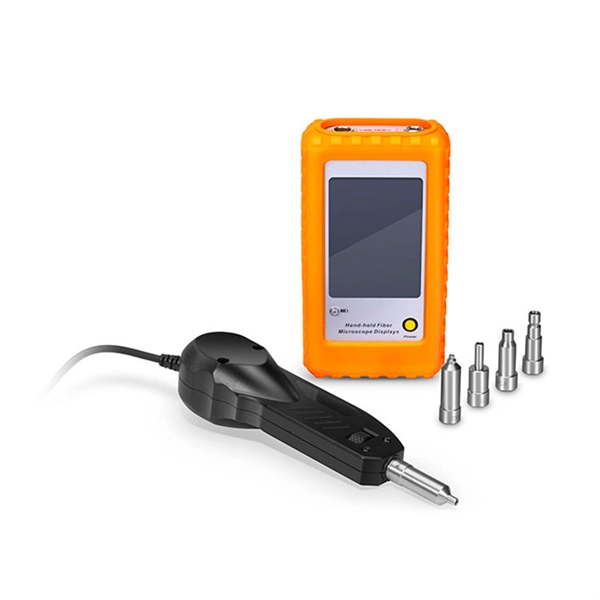
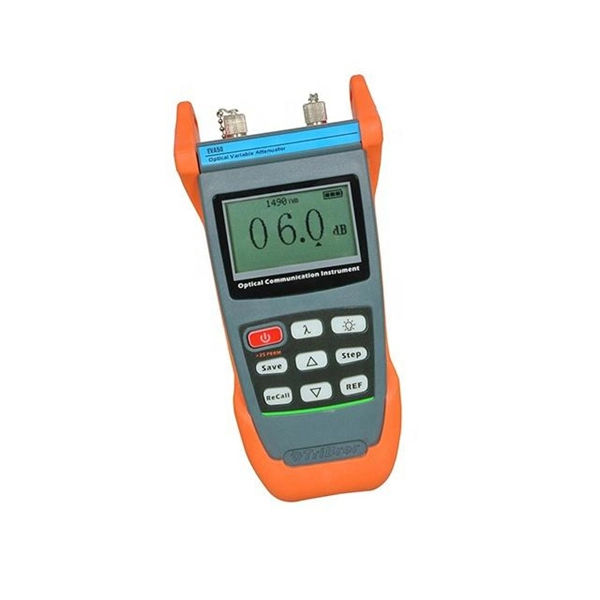
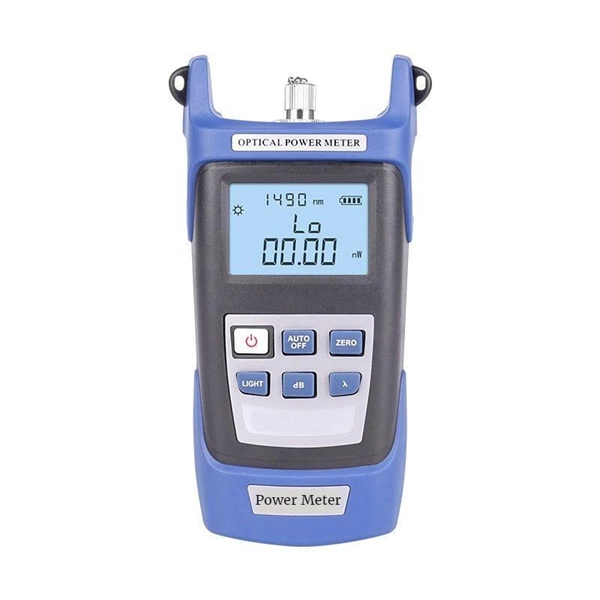
If basic troubleshooting fails, use tools like an Optical Time-Domain Reflectometer (OTDR) or optical power meter to measure signal strength and identify fiber link issues . Excessive signal loss may indicate damaged fiber or connectors.
Step 7: Contact ISP Support
If all steps fail, contact your ISP. Some fiber connections require specific configurations or activation on their end, especially for first-time installations in a building . Provide them with details of your router model, ONT, and any error indicators. By following these steps systematically, most fiber optic router connection issues can be identified and resolved efficiently, whether they stem from physical damage, configuration errors, or ISP provisioning problems.
 Industry
 Best routers for fiber internet 2025: our top picks for fast broadband
If you are looking for a new fiber internet router, then you should check our round-up of some of the best routers right
 Industry
 White Paper: Troubleshooting Fiber
Troubleshooting Fiber Jumpers Fiber jumpers are an integral part of any fiber network—whether used to
 Industry
 Fiber Optic Troubleshooting Guide: Problems, Tools & Solutions
Learn how to troubleshoot fiber optic cables with common problems, a step-by-step process, essential tools, and
 Industry
 Common Fiber Connectivity Issues: Causes, Troubleshooting, and
Learn the most common fiber connectivity issues in network deployment, including link failure, unstable fiber links,
 Industry
 Understanding Common Fiber Internet Problems and
By understanding and addressing common fiber optic problems, network administrators can ensure that
 Industry
 The Ultimate Fiber Troubleshooting Bible for Beginners 2025
Solve fiber troubleshooting issues fast with step-by-step tips for beginners. Keep your fiber optic network reliable and
 Industry
 Complete Guide to Fiber Optic Home Networking | BroadbandSearch
The installation typically takes 2–4 hours and involves mounting an exterior junction box, drilling a small entry point
 Industry
 Fiber Optic Troubleshooting: Expert Guide for Common Issues
Troubleshoot fiber optic issues like a pro with our expert guide. Resolve common problems and ensure seamless
 Industry
 How to Connect a Fiber Optic Cable to a Router
Connect fiber internet correctly. Learn the essential hardware bridge and sequential steps needed to link the optical
 Industry
 Why Is My Fiber Internet Not Working | Brightspeed
To identify why your fiber internet isn''t working, it''s important to establish where the connection problem is. In many cases, a fiber
 Industry
 fiber optics cable between two routers cisco 2911 not working
Also when i add modules: HWIC-1GE-SFP on the 2911, they do not appear on the list of interfaces on the router. Help
 Industry
 How to Connect a Fiber Optic Cable to a Router
Learn the essential hardware bridge and sequential steps needed to link the optical line to your router.
 Industry
 Unable to Connect Router to Fiber Optic Cable Modem
The router cannot connect to the Hitron modem, and neither of my machines can connect to the Internet directly via
 Industry
 DIY Internet Troubleshooting: What to Do When Your Connection Fails
If you''re using fibre optics, ensure the fibre terminal is connected and the optical cable is intact. 2. Restart Your
 Industry
 Broadband Internet Repair: 100% Solid Tips | Dong
Again, your terminal device is the hardware piece that connects your home to the Internet.
 Industry
 How to Connect Fiber Optic Cable to Router: Complete Guide 2025
By following this detailed guide, you''ve not only learned how to connect fiber optic cable to router properly but also
 Industry
 Can''t Connect Fiber to Your Router? Here''s the Easy Way!
Use SFP media converter, which can convert RJ45 electrical signal into optical signal
 Industry
 How to Connect Fiber Optic Cable to Router: A Step-by-Step Guide
Connecting a fiber optic cable to a router is a straightforward process that can greatly enhance your internet experience. By following
 Industry
 How to connect fibre optic cable to router with LAN port
I have a fibre optic cable incoming to an ONS, on the way out of the ONS is also a fibre optic cable which goes directly
 Industry
 Fix Fiber Issues Fast: Your Ultimate HomeLinkd Guide
Explore our comprehensive guide on Troubleshooting your Fiber Connection, addressing common issues for improved internet
 Industry
 How to Connect Fiber Optic Cable to Router: A Step-by-Step Guide
Q: Why is my router not detecting the fiber connection? A: Ensure all cables are securely connected, the ONT is
 Industry
 How to Connect Fiber Optic Cable to Router? Easy Fiber Optic
This video makes connecting your fiber optic cable to your router a breeze! We''ll guide
 Industry
 How to Connect Fiber Optic Cable to Router: Top 5
Learn how to connect fiber optic cable to router with our step-by-step guide. Optimize your
 Industry
 Fiber Network Troubleshooting Guide: Common Issues and Solutions
Fiber optic networks are celebrated for their speed and reliability, but even the best systems can encounter problems.
 Industry
 Unable to Connect Router to Fiber Optic Cable Modem
Despite multiple attempts, the Archer AX6000 v1.0 is unable to connect to the modem. The blue light on top of the
 Industry
 How To Connect Fiber Optic Cable To Router?
Once everything is properly connected and configured, your router will distribute the fiber optic internet to your
 Industry
 Fiber Network Troubleshooting – Common Issues & Fixes
Learn how to troubleshoot fiber networks. Identify common issues like high loss, dirty connectors, and signal drops,