Router shows no fiber optic connection
A router showing no fiber optic connection usually indicates a problem with the fiber cable, connectors, ONT, or router configuration.
Step 1: Check Physical Connections
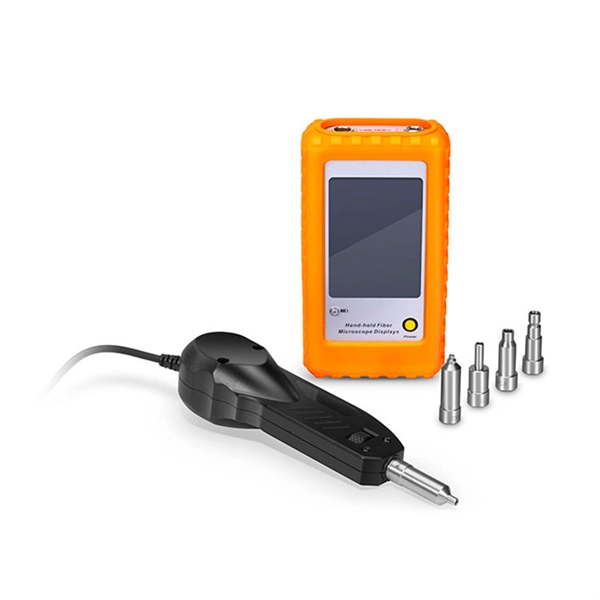
Ensure that the fiber optic cable is securely connected to both the Optical Network Terminal (ONT) and the router. Inspect the cable for visible damage, sharp bends, or kinks, as these can disrupt the light signal. Also, check that the connectors are clean; dust or oil on the fiber endface can block the signal. Use a lint-free wipe and isopropyl alcohol or a fiber inspection microscope to clean the connectors if necessary .
Step 2: Verify ONT and Router Power
Confirm that the ONT and router are powered on and that the LED indicators show normal operation. A green light typically indicates proper function, while red or blinking lights may signal a Loss of Signal (LOS) or other issues. Power cycling both devices—turning them off, waiting 30 seconds, and turning them back on—can resolve temporary glitches .
Step 3: Test Router Configuration
Check your router's WAN settings. If your ISP uses a static IP, ensure the router is configured correctly with the assigned IP, gateway, and DNS. Some routers may default to dynamic IP detection, which can prevent connection if your ISP requires static settings. Verify that the MAC address is correctly registered if your ISP uses MAC authentication .
Step 4: Inspect Fiber Signal
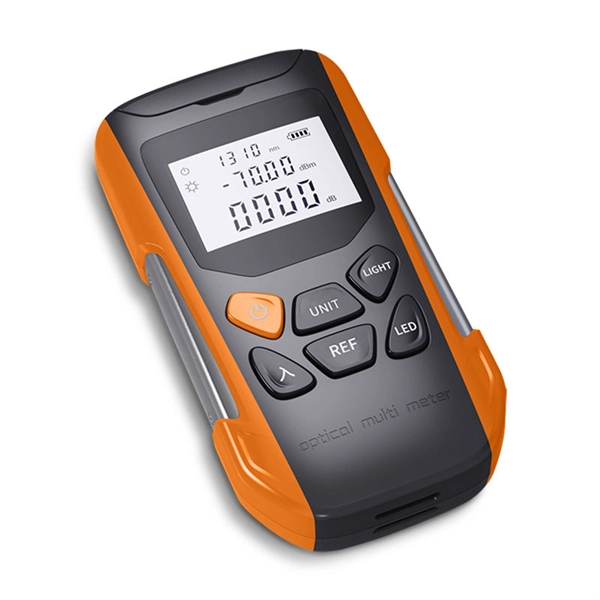
If the physical connections and router settings are correct but the connection still fails, the issue may be with the fiber signal itself. Use a fiber optic power meter or visual fault locator to test signal strength and detect breaks or excessive loss. Signal levels outside the normal range (typically -15dBm to -30dBm) indicate a problem with the fiber line .
Step 5: Contact Your ISP
If all local checks pass and the router still shows no connection, the problem may be on the ISP's end, such as a misconfigured ONT, network upgrade, or service outage. Provide your ISP with details about your troubleshooting steps, LED indicators, and router configuration to expedite resolution .
Additional Tips
- Always inspect both ends of the fiber connection before assuming a fault.
- Avoid touching the fiber endface with your fingers.
- Keep a cleaning kit and inspection tools handy for regular maintenance.
- Document your network setup and any changes to simplify future troubleshooting . By systematically checking cables, connectors, power, router settings, and signal strength, you can identify the root cause of a no-fiber connection and determine whether it requires local fixes or ISP intervention.
 Industry
 Common Fiber Connectivity Issues: Causes, Troubleshooting, and
Learn the most common fiber connectivity issues in network deployment, including link failure, unstable fiber links,
 Industry
 How to Connect Fiber Optic Cable to Router: Complete Guide 2025
By following this detailed guide, you''ve not only learned how to connect fiber optic cable to router properly but also
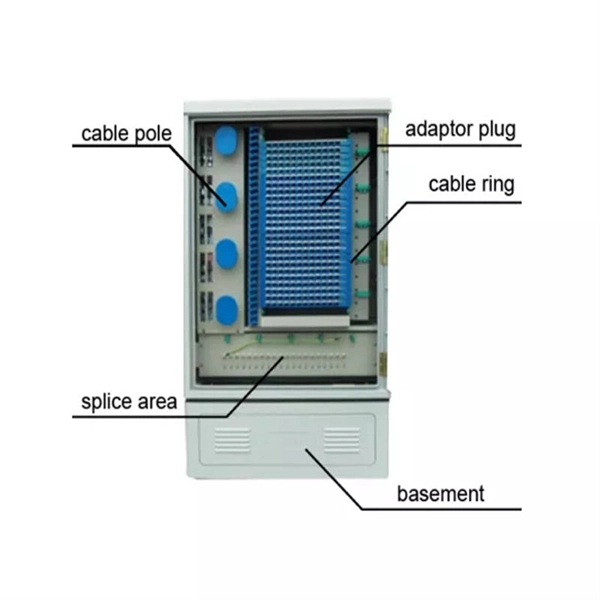 Industry
 The Ultimate Fiber Troubleshooting Bible for Beginners 2025
Solve fiber troubleshooting issues fast with step-by-step tips for beginners. Keep your fiber optic network reliable and
 Industry
 packet tracer
I have modeled the following network on packettracer. The fiber-optic connections between Router4 and Router8 is
 Industry
 Fiber ONT Troubleshooting
An optical network terminal (ONT) is a device that converts fiber-optic light signals from your internet service provider
 Industry
 What Is Fiber Optics? A Guide
Fiber optic cables are often used to transmit data and control signals in environments
 Industry
 What Do the Lights on My Fiber Equipment Mean?
Not sure what the lights on your fiber equipment mean? This guide explains each status light and how to troubleshoot common issues.
 Industry
 The FOA Reference For Fiber Optics
Fiber optic power meters have inputs for attaching fiber optic connectors and detectors designed to capture all the light coming out of
 Industry
 Troubleshooting Fiber Cables : r/networking
There is a single mode optical fiber cable in our datacenter going from a Cisco N5K to another N5K across different racks. The link
 Industry
 Troubleshooting Your Frontier Optical Network Terminal
Troubleshooting your ONT An ONT, or Optical Network Terminal, is the box where your fiber internet
 Industry
 Fiber Internet: Computer plugged into my router can''t connect to internet
Wait for your computer to connect to the router again. Can you connect to the internet now? Yes No The problem seems to be with
 Industry
 Unable to Connect Router to Fiber Optic Cable Modem
Rebooting the modem, the router and the iMac makes no difference. The router cannot connect to the Hitron modem,
 Industry
 Understanding Common Fiber Internet Problems and
By understanding and addressing common fiber optic problems, network administrators can ensure that
 Industry
 Best routers for fiber internet 2025: our top picks for fast broadband
If you are looking for a new fiber internet router, then you should check our round-up of some of the best routers right
 Industry
 How to connect a fiber optic cable to the router
The router may require a few minutes to set up the new connection. 7. Verify the connection: To make sure everything
 Industry
 Fiber Network Troubleshooting – Common Issues & Fixes
Learn how to troubleshoot fiber networks. Identify common issues like high loss, dirty connectors, and signal drops,
 Industry
 Unable to Connect Router to Fiber Optic Cable Modem
Despite multiple attempts, the Archer AX6000 v1.0 is unable to connect to the modem. The blue light on top of the
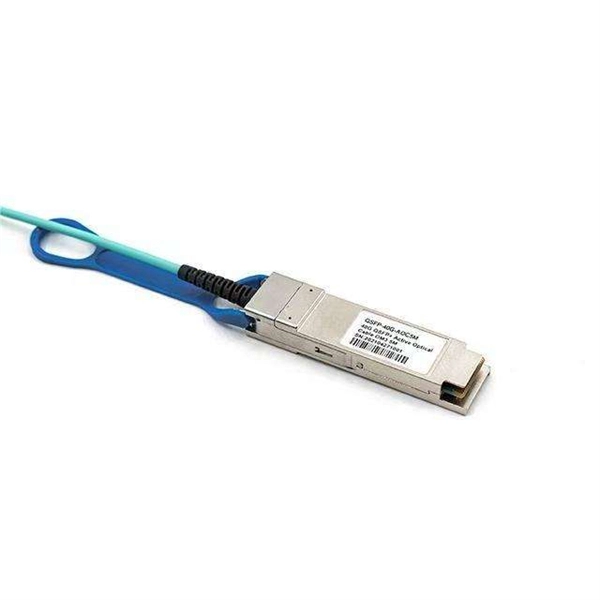 Industry
 Fiber ONT Troubleshooting
Optical Network Terminal (ONT) troubleshooting guide: Tackling common glitches, step-by-step fixes, and preventive
 Industry
 How to Connect Fiber Optic Cable to Router: Top 5
Learn how to connect fiber optic cable to router with our step-by-step guide. Optimize your
 Industry
 Fix Fiber Issues Fast: Your Ultimate HomeLinkd Guide
Explore our comprehensive guide on Troubleshooting your Fiber Connection, addressing common issues for improved internet
 Industry
 Fiber Optic Troubleshooting Guide: Problems, Tools & Solutions
Learn how to troubleshoot fiber optic cables with common problems, a step-by-step process, essential tools, and
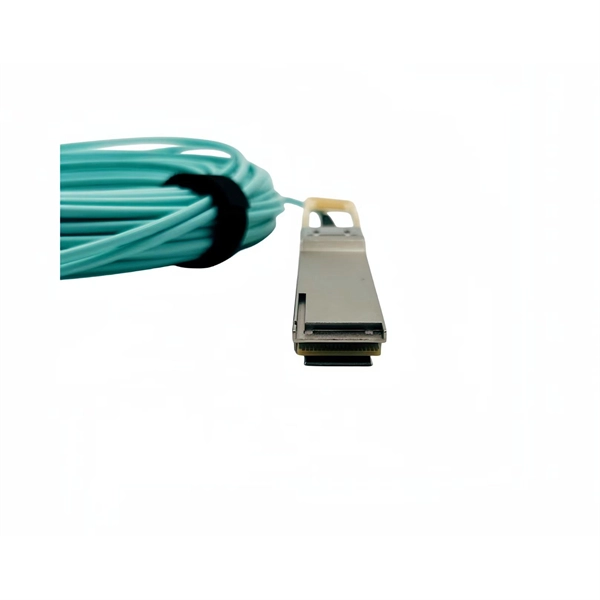 Industry
 Complete Guide to Fiber Optic Home Networking | BroadbandSearch
Build a home fiber network for 1-2 Gbps speeds with this complete guide to installation, troubleshooting, and performance.
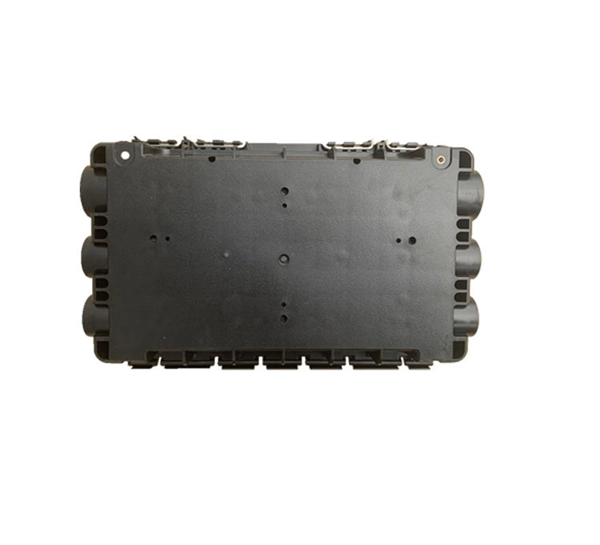 Industry
 Does Fiber Internet Need a Modem?
However, fiber-optic technology works differently, eliminating the need for a traditional modem. Instead, an Optical
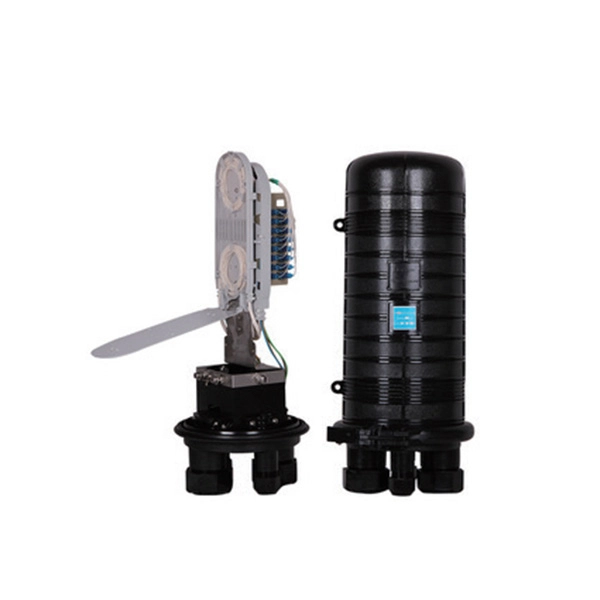 Industry
 How To Connect Fiber Optic Cable To Router?
Connecting a fiber optic cable to a router involves a few key steps and specialized equipment. Here''s a simple guide
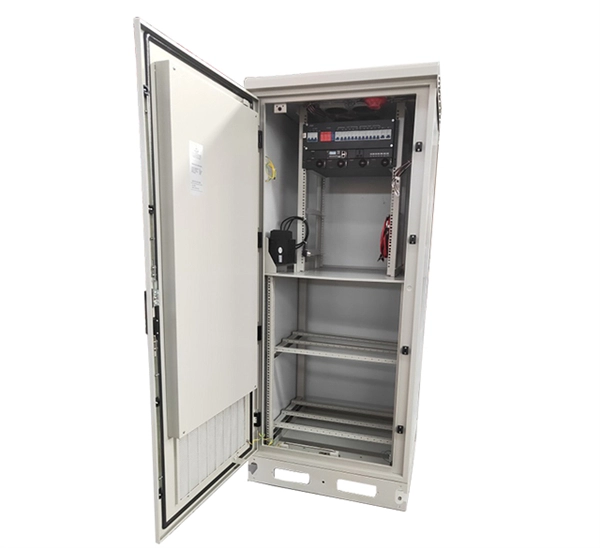 Industry
 Complete Guide to Fiber Optic Home Networking | BroadbandSearch
Step 5: Choosing the Right Router for Your Fiber Plan Your router''s WAN (internet) port is the physical connection
 Industry
 How to Connect a Fiber Optic Cable to a Router
Connect fiber internet correctly. Learn the essential hardware bridge and sequential steps needed to link the optical
 Industry
 Broadband Internet Repair: 100% Solid Tips | Dong
Broadband Internet Troubleshooting: The A-B-C simple steps Every network is different, but
 Industry
 Troubleshoot Fiber Links on Catalyst 9000 Series Switches
This document describes how to troubleshoot fiber optic interfaces by addressing some of the fiber optic module and